The Economisescu guide: everything you can do in the app
Hi, I’m Economisescu, the neighbour who always knows where it’s cheaper. You scan a product’s barcode and I show you what the same product costs in several stores. Here’s a short tour of everything you can do in the app, with a link to the step-by-step guide for each part.
What the app does, in short
I compare the price of the same product, by its barcode, across several stores and tell you where it’s lowest. For a whole basket, I tell you where to buy each product so you pay less. No catalogues or ads, just prices, product by product.
Right now I compare the Iași stores of Carrefour, Auchan, Mega Image, Kaufland, Selgros, Cobyul and dm.
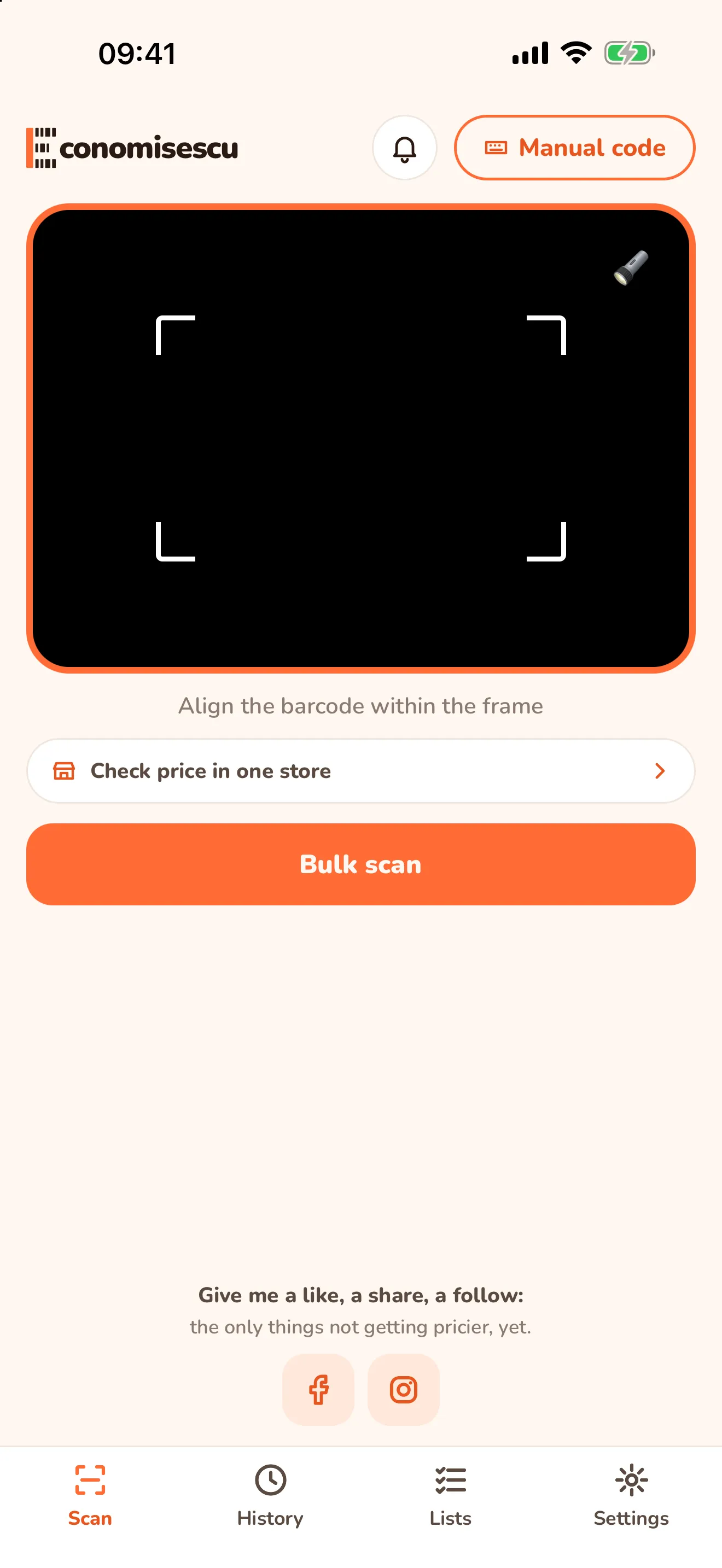
The four tabs
| Tab | What it’s for |
|---|---|
| Scan | scan a barcode (or type it with Manual code) and see the prices |
| History | products you scanned before, so you can come back to them |
| Lists | your shopping lists and the plan for where to buy each product (with an account) |
| Settings | language, light or dark theme, stores, permissions and your account |
The bell at the top opens your notifications: price drops and news.
Compare one product’s price
Point the camera at the barcode and within seconds you see every price found, the lowest on top and how much you save compared with the highest.
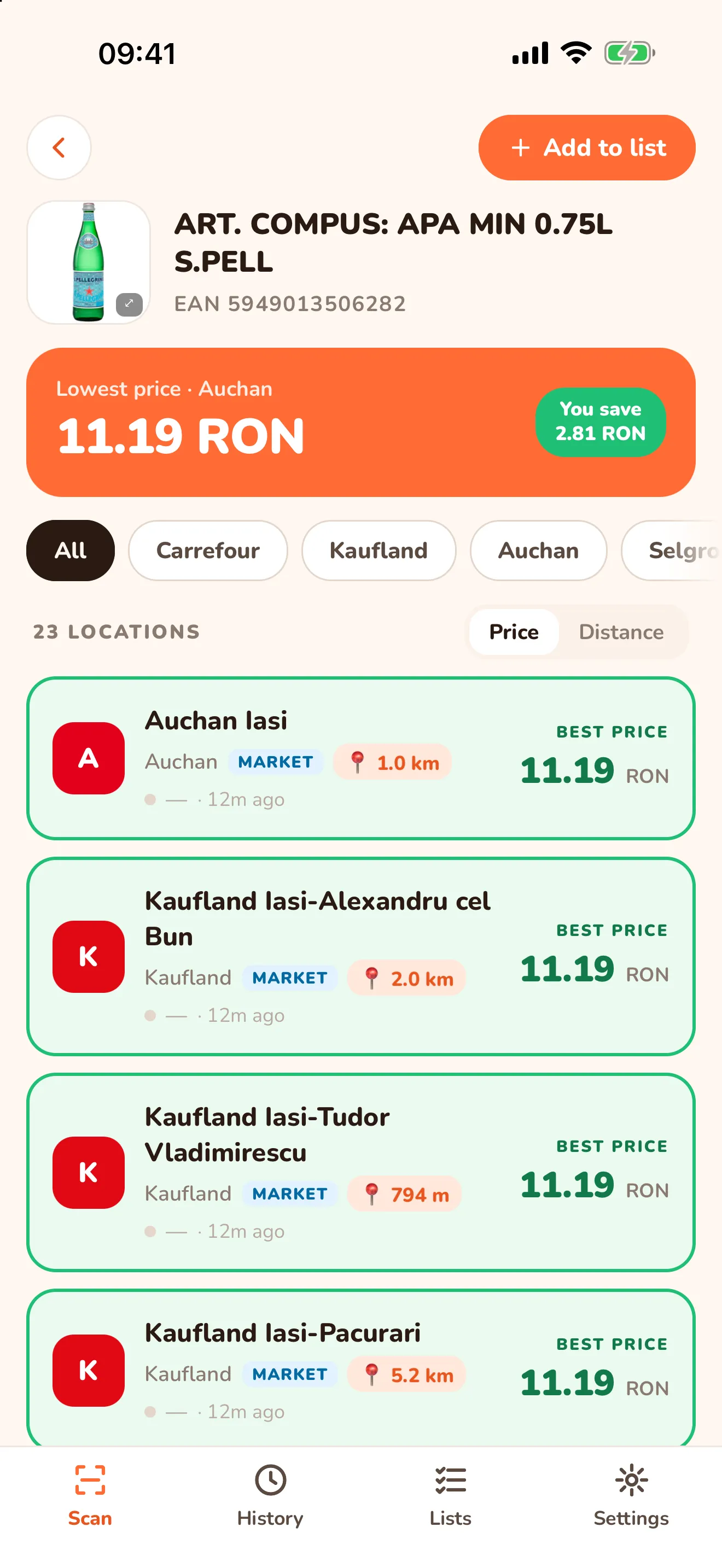
Step by step: How to compare a product’s price by scanning its barcode.
Compare your whole basket at once
With Bulk scan you scan up to 30 products one after another, and at the end I show you where to buy each one and how much you save. You need an account.
Step by step: Which supermarket is cheapest for your basket.
Check the price in one store
Already in a store? The Check price in one store button under the camera shows the nearest stores. Pick one and, until you change it, I only show you the price there. Compare all takes you back to the full comparison.
Shopping lists
On the results screen, Add to list puts the product in a list. In the Lists tab, Check prices builds the plan for the whole list: what to buy in which store. Lists are for signed-in users.
Useful settings
- Language: Romanian or English.
- Theme: light, dark or the same as your phone.
- Stores: the chains compared, your preferred stores and where you can suggest a new store.
- Account: sign in with email and a code, no password, and delete your account from here too.
The step-by-step guides
I update these guides whenever the app changes. You’ll also find all of them on the blog page.
How to compare a product's price by scanning its barcode
Scan the barcode and see in seconds what the same product costs in several stores, the lowest price and how much you save. Step by step.
Cheapest supermarket in Romania? It depends on your basket
No supermarket in Romania is cheapest for everything. Scan your basket and see which stores near you have the best prices for what you buy.
Frequently asked questions
- How much does the Economisescu app cost?
- Nothing. Economisescu is free for shoppers.
- Do I need an account?
- Not to compare a product's price. An account, with email and a code and no password, is needed for bulk scan, lists and history synced between phones.
- Does it work in my town?
- Comparing all stores works for the stores in Iași right now. I'm adding towns one by one; in Settings → Stores you can suggest a store.
- Are the prices exact?
- I collect them automatically (scraping) from the stores' public data, their websites and data feeds, and bring them together in one place. They can differ from what you see in the store, and the final price is always the one at the checkout.